
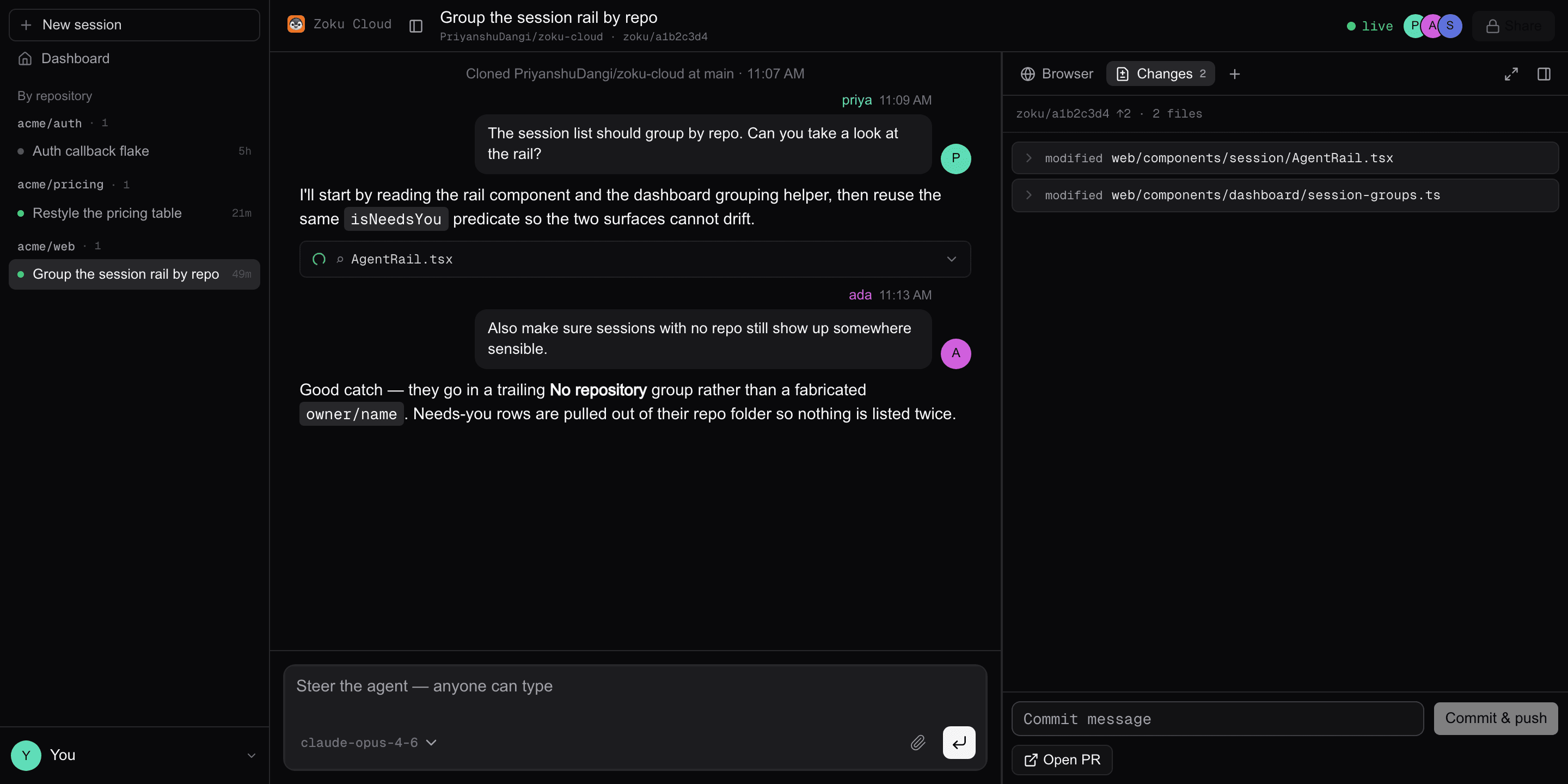
Share a Claude Code session like a Google Doc.
One URL. One live Claude. One sandbox. Drop teammates into the same transcript — steer together, commit from real git.
Private by default. Your Claude plan or keys.
cloud.heyzoku.com/s/a1b2c3d4
Install the plugin
Fork a local Claude session into the cloud.
In Claude Code, add the marketplace, install the plugin, then share. You get a URL. Local Claude keeps running.
1. Add the marketplace
/plugin marketplace add PriyanshuDangi/zoku-cloud2. Install Zoku Cloud
/plugin install zoku-cloud@zoku-cloud3. Share from a repo session
/zoku-cloud:share
Questions, answered.
Is this the Mac app at heyzoku.com?
No. Zoku Cloud is a browser room for one Claude Code agent in a sandbox. The Mac app is multi-agent voice on your machine.
Who can open the link?
Nobody, until you say so. New sessions are restricted — only people you invite. You can later switch the link to anyone-can-view or anyone-can-edit. Signed-out visitors never get more than view.
What can viewers vs editors do?
Viewers watch the live transcript. Editors can prompt, interrupt, pick a model, commit, use the terminal, and open VS Code. Only the owner can change who has access.
Do I need API keys?
GitHub gets you in. Claude runs on your plan or keys: Connect Claude in Settings (Pro, Max, Team, or Enterprise), or paste an Anthropic API key. Sandboxes run on E2B — your key, or Zoku's default when one is configured. We don't sell tokens.
How do I share from local Claude?
In Claude Code, add the marketplace and install the plugin (commands above), then run /zoku-cloud:share from a git repo session. You get a URL. Local Claude keeps running.
What does it cost?
Zoku Cloud doesn't sell tokens. You bring a Claude subscription or API key, and E2B bills the sandbox. Idle sandboxes pause instead of being destroyed.
More questions?
Email pd@heyzoku.com — it goes to the person who builds Zoku.